
HBP External
How to use?
Download & Activation
Join Discord
You should join the HBP Discord server.
How to activate the key and download the loader
- Join the HBP Discord server.
- Go to the authentication channel and use the panel to redeem your key (click “Redeem Key”).
- After authenticating, click on Get Role.
- Then click Get External or download at #config-download.
Troubleshooting & Error Guidelines
DANGER
READ BEFORE ASKING FOR SUPPORT
Failure to follow these steps will result in no support.
Mandatory Checks
Before reporting any issue, make sure ALL of the following are true:
- You are using Windows 11 (24H2 or newer)
- Visual C++ Redistributables are installed
- DirectX is installed
- You are using the latest HBP version
- You have already tried the fixes listed below
HBP Crashing After Opening
Possible Causes
- Missing Visual C++ Redistributables
- Missing DirectX components
- Outdated HBP build
- Menu hidden by hotkey
Fix
Install Visual C++ Redistributables
Install DirectX
Press Right Shift + F1 to show/hide the menu
Download the latest version of HBP
Do not reuse old builds
External Menu Not Showing
Fix
- Verify VC++ and DirectX are installed
- Press Right Shift + F1
- Restart HBP
- Redownload the latest build
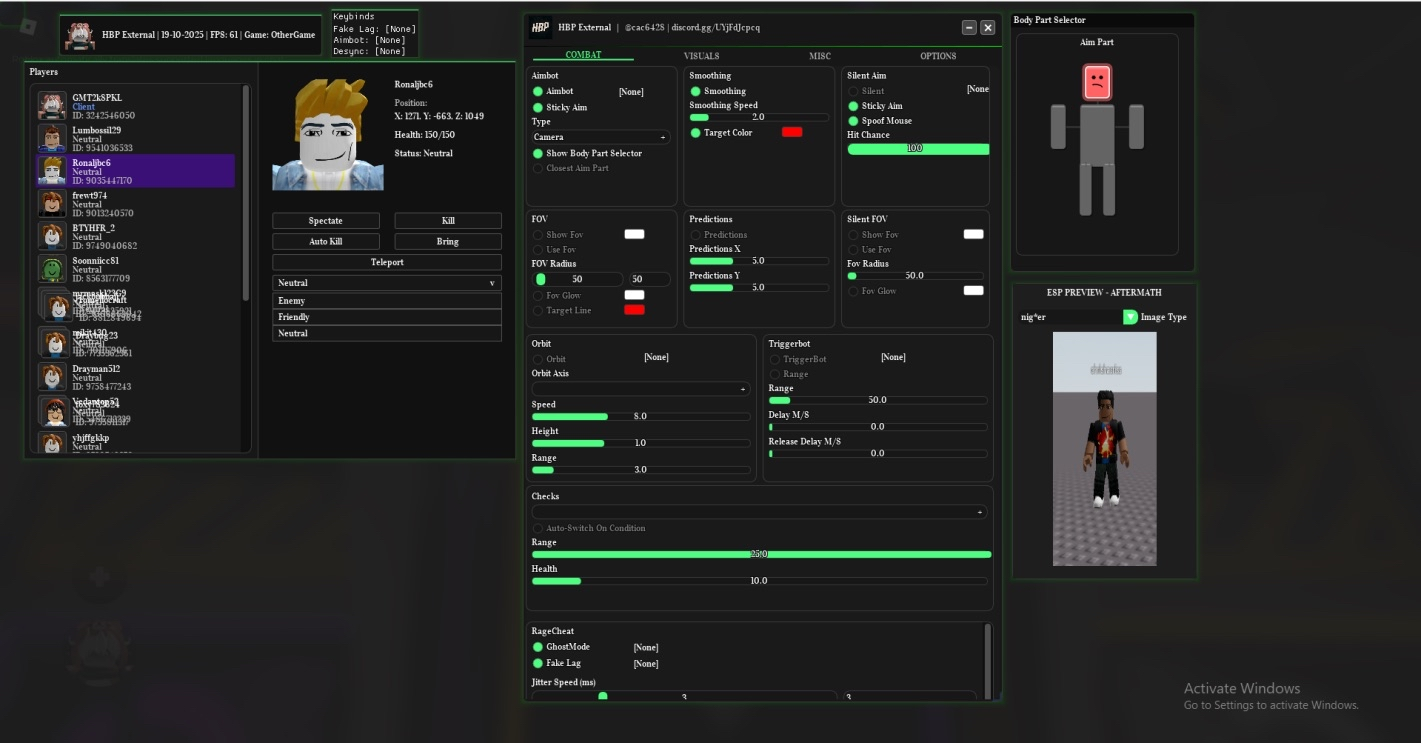
Aimbot or ESP Lag / Slow
Fix
- Lower Entity Distance in Aftermath as much as possible
- Close unnecessary background applications
- Grant full permissions to HBP
- Enable cheats only while in-game
- If lag persists:
- Disable all cheats
- Restart Roblox
Screenshots

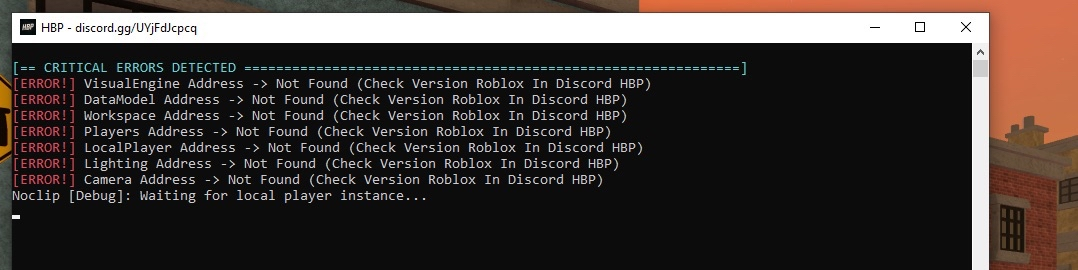
Offset Issues
Fix
- Reinstall Roblox to ensure latest version
- Wait for offset updates if Roblox just updated
- Check supported versions in Discord
Screenshots
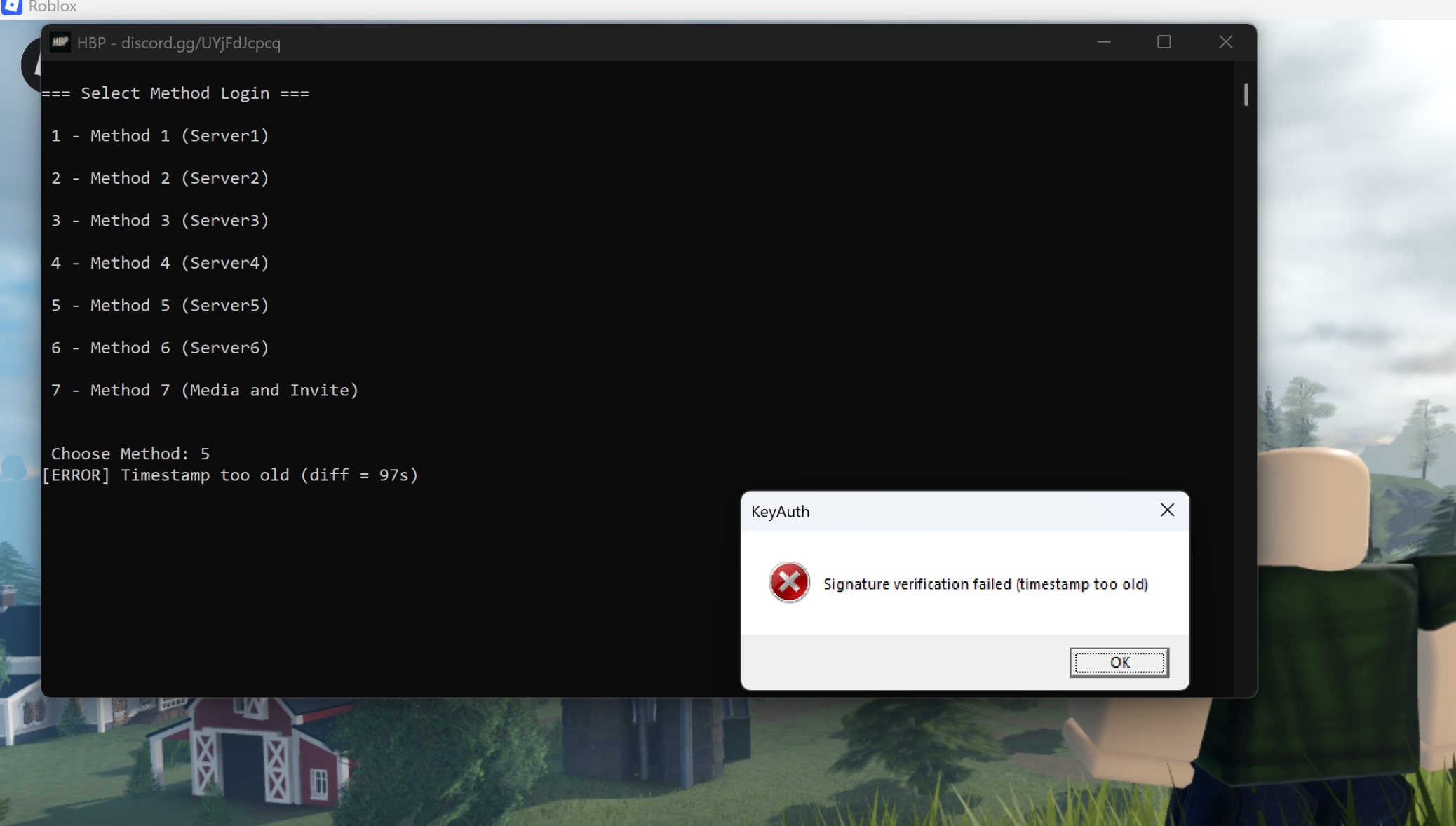
Signature Verification Failed (Timestamp Too Old)
Fix
- Open Settings → Time & Language → Date & Time
- Enable:
- Set time automatically
- Set time zone automatically
- Click Sync now
- Restart HBP
WARNING
If you are using a VM or sandbox, ensure the system clock matches your host PC.
Screenshots
ESP Wrong Position
Cause
- Outdated offsets
Fix
- Refer to Offset Issues above
Screenshots

ESP Works but Aimbot Does Not
Fix
- Join Aftermath (must be inside a match)
- Launch HBP after joining the world
- Restart HBP if already running